
AI ChristmasPhoto Generator
Turn any photo into a magical Christmas photo.
Aspect ratio
Free: 5 credits Auto-deleted in 24h
Use only your own photos or ones you have permission to use. · Terms
To make an AI Christmas photo, upload a selfie, couple, family or pet picture, choose a scene such as Cozy Fireplace, Snowy Wonderland or Matching Pajamas, and press Create. In under a minute you get a festive portrait that keeps everyone's real face. Your first photo is free, no sign-up needed.
How to make AI Christmas pictures
- 1
Upload a photo
Any clear photo works: a selfie, a couple, the whole family on the sofa, or your dog. JPG, PNG or WEBP up to 10MB.
- 2
Pick a Christmas scene
Thirteen scenes, from a crackling fireplace to a 1950s living room. Choose square, Instagram, Story or card shape.
- 3
Download or make a card
Compare before and after, download the photo, add a greeting for a free photo card, or animate it into a short video.
Real results
Same people, a whole new Christmas
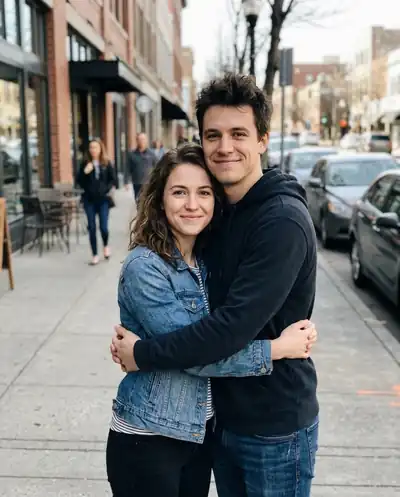
Every example started as an everyday snapshot. The faces, the number of people and even the dog's markings stay the same; only the setting, outfits and light change.
 Before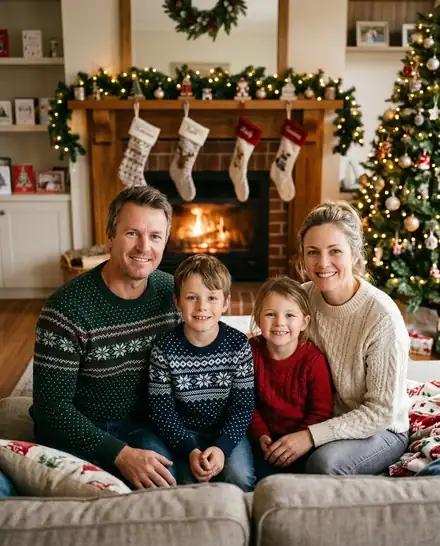
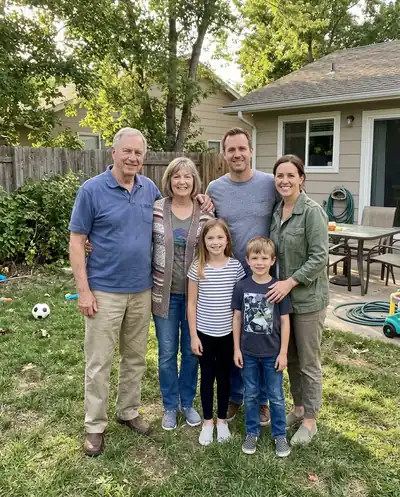 Before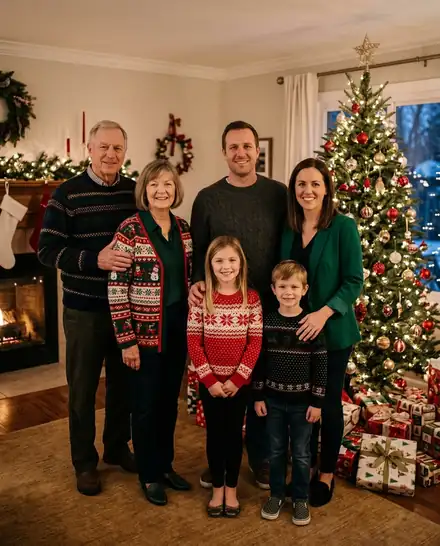
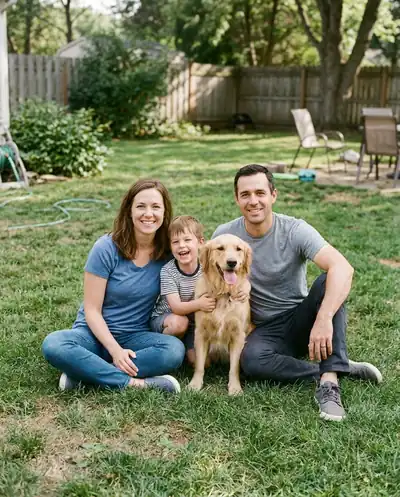 Before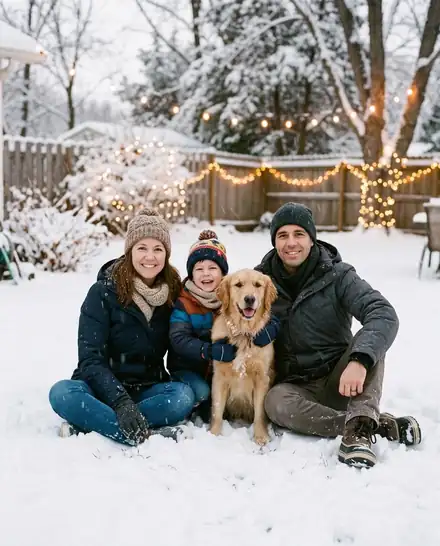
 Before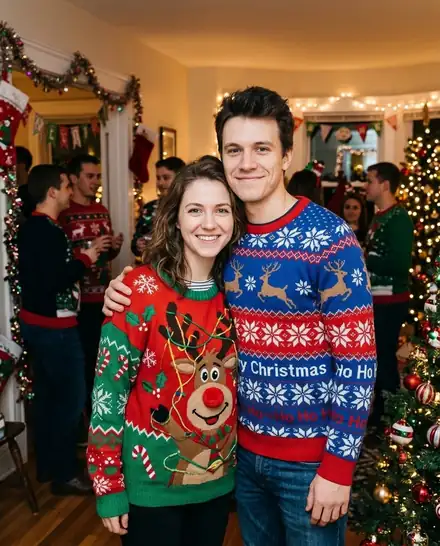
 Before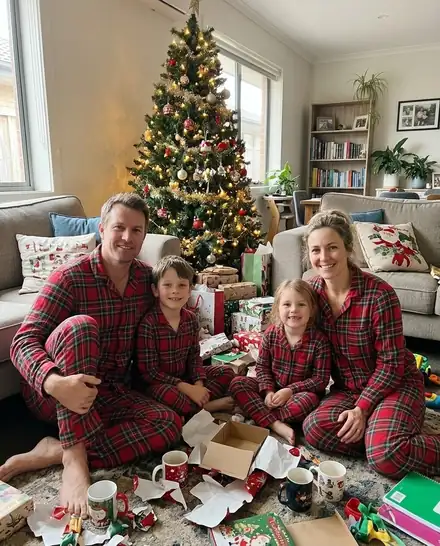
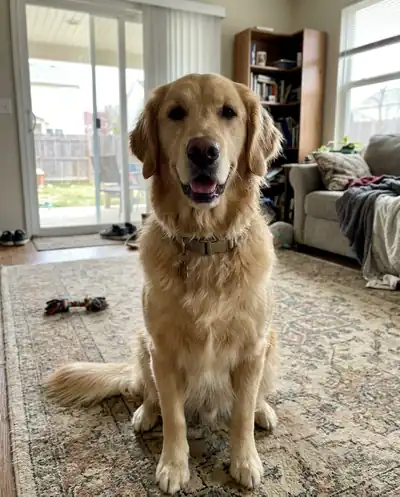 Before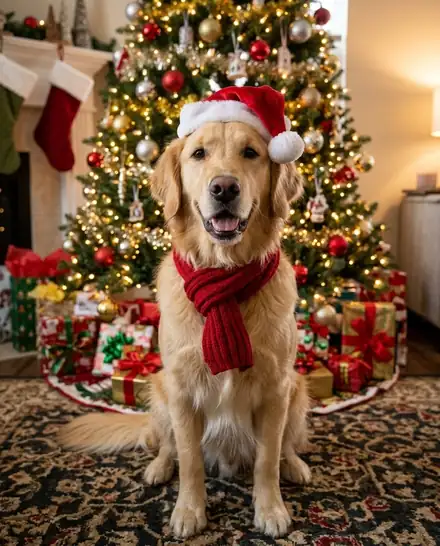
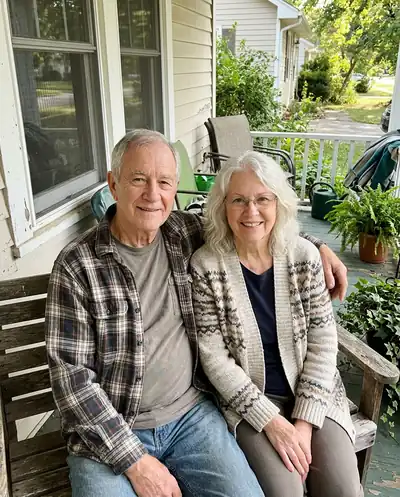 Before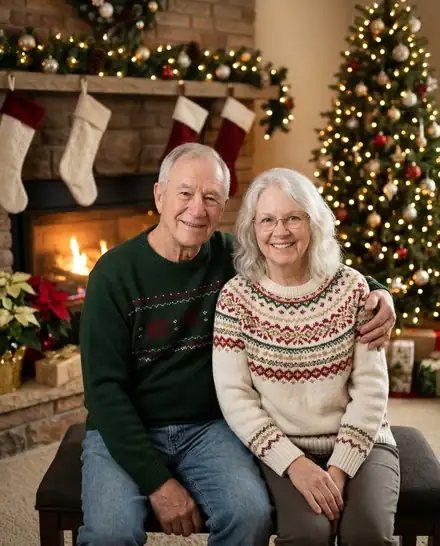
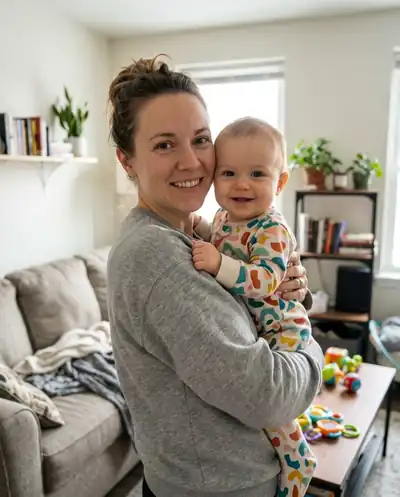 Before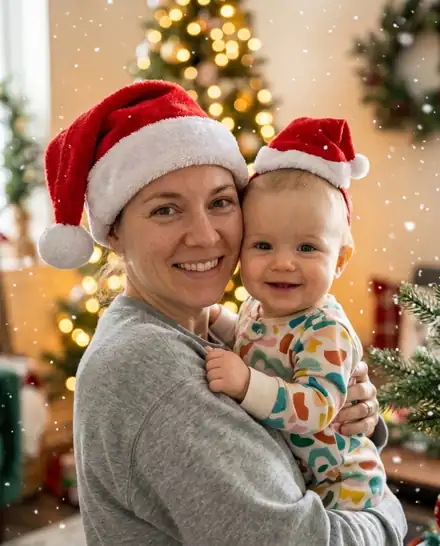
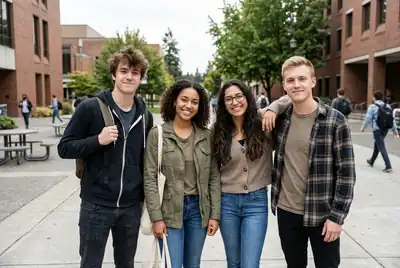 Before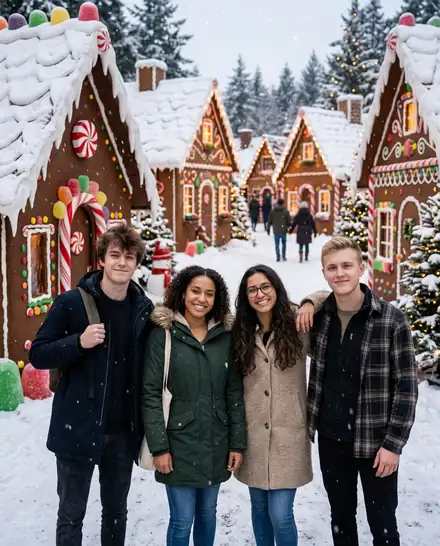
All people and pets in these examples are AI-generated; no real customers' photos are shown.
Why families use AI Christmas Photo
Keeps your real face
The scene changes, the people don't. Faces, hair, skin tone and ages stay true to the photo you upload.
Families, couples and pets
Works with one person or a three-generation group of six, and with dogs and cats, fur color and all.
13 Christmas scenes
Fireplace, tree, snow, ugly sweaters, matching pajamas, gingerbread village, North Pole workshop and more.
Card maker built in
Add "Merry Christmas" and your family name, pick a border and download a 5×7 print file. Free, no extra credits.
Photo to Christmas video
Tap Animate it to turn your new photo into a 5 or 10 second video: snowfall and waves, a toast, or Santa walking in.
Private, auto-deleted
Uploads and results are deleted 24 hours after you make them. We never use your family photos to train AI.
What an AI Christmas photo generator does
A family Christmas photo used to mean booking a studio, buying matching outfits and hoping nobody blinked. An AI Christmas photo generator skips all of that. You upload a photo you already have, and the AI rebuilds the scene around the people in it: a lit fireplace with stockings, a decorated tree, a snowy backyard at dusk, or matching plaid pajamas on Christmas morning.
The important part is what stays the same. Faces, hairstyles, skin tones, ages and the number of people in the picture are kept, so the result still looks like your family and not like a stock photo. Pets keep their breed, fur color and markings. Only the setting, clothes and lighting change.
Christmas scenes you can choose
Each scene is a tested look, so you never have to write a prompt. Pick one and press Create:
- Cozy Fireplace: knit sweaters, stockings, warm firelight. The safest pick for a family portrait.
- By the Christmas Tree: holiday outfits next to a lit tree and wrapped presents.
- Snowy Winter Wonderland: coats, scarves and gentle snowfall outdoors at dusk.
- Ugly Sweater Party: loud reindeer sweaters, tinsel and big smiles.
- Matching Family Pajamas: red plaid pajamas on the living room floor, and a matching bandana for the dog.
- Christmas Morning Presents, Vintage 1950s Christmas, North Pole Workshop and Gingerbread Village.
- Santa Hat & Snowflakes for profile pictures, and Elegant Holiday Studio for a formal card portrait.
- Pet in Santa Costume for dogs and cats, and the candy cane picture trend for glossy red-and-white selfies.
Tips for the best AI Christmas family photo
The AI can only keep what it can see. A sharp photo where every face is visible gives the most faithful result. Group shots taken at eye level work better than photos taken from far above. If someone is half hidden behind another person, the AI has to guess, so move them into view before you take the picture.
You don't need a Christmas photo to start with. Everyday snapshots from the park, the sofa or the street work fine, because the background is replaced anyway. Crowded backgrounds with strangers can sometimes add extra people, so crop them out first if you can.
- Use a clear, well-lit photo where everyone faces the camera.
- Choose 4:5 for Instagram, 9:16 for Stories, 1:1 for a profile picture, and 3:4 if you plan to print a card.
- Add a detail in "Extra details" if you want something specific, such as "golden retriever wearing a Santa hat".
- Not happy with one scene? Tap another scene under the result to remake the same photo.
From Christmas portrait to card or video
Once your festive photo is ready, you can keep going without uploading again. Tap "Make it a card" to add a greeting such as Merry Christmas, sign it with your family name, pick a border and download a print-ready 5×7 file. The card editor runs in your browser and costs nothing extra. For more card ideas, see the AI Christmas card generator.
Tap "Animate it" to turn the same photo into a 5 or 10 second Christmas video where snow falls and everyone waves, or the fireplace glows. If you want Santa himself in your home, the add Santa to photo tool places him by your own tree, and the AI Santa video makes him walk in on a security camera.
Pricing and your privacy
Every visitor gets 5 free credits on their device, which is enough for one Christmas photo, with no account needed. After that, each photo costs 5 credits, a 5-second video costs 20 and a 10-second video costs 40. Credits come in one-time packs that never expire; there is no subscription. If a photo fails, the credits go straight back to your balance.
Family photos are personal, so they are treated that way. Uploads and results are deleted automatically 24 hours after you make them, nude or sexual images are refused, and your photos are never used to train AI. Download the pictures you love before the 24 hours are up.
What people make with it
Profile pictures
A Santa-hat or snowy portrait for Facebook, Instagram, WhatsApp or your work chat in December.
Christmas cards
A real family portrait with your greeting, printed at 5×7 or sent as a digital card.
Social posts
Holiday posts and Stories without a photo shoot: one upload, several scenes.
A gift for family far away
Put everyone in one cozy Christmas scene, even when you can't be in the same room this year.
AI Christmas photo FAQ
Upload a clear photo of yourself, your family or your pet, pick a Christmas scene such as Cozy Fireplace or Snowy Winter Wonderland, choose a shape, and press Create Christmas Photo. The picture is usually ready in under a minute, and you can download it, turn it into a card or animate it.
More Christmas tools
From the blog
Your Christmas photo is one upload away
No studio, no matching outfits to buy, no one blinking. Just upload and pick a scene.